
Recording tools for voice actors
Listen back to your voice acting takes
Record your script and listen back. Overlay pitch, volume, or formant feedback on the transcript to follow changes in your delivery word by word.
Free to start on iOS, Android, and the web. See plans and limits.


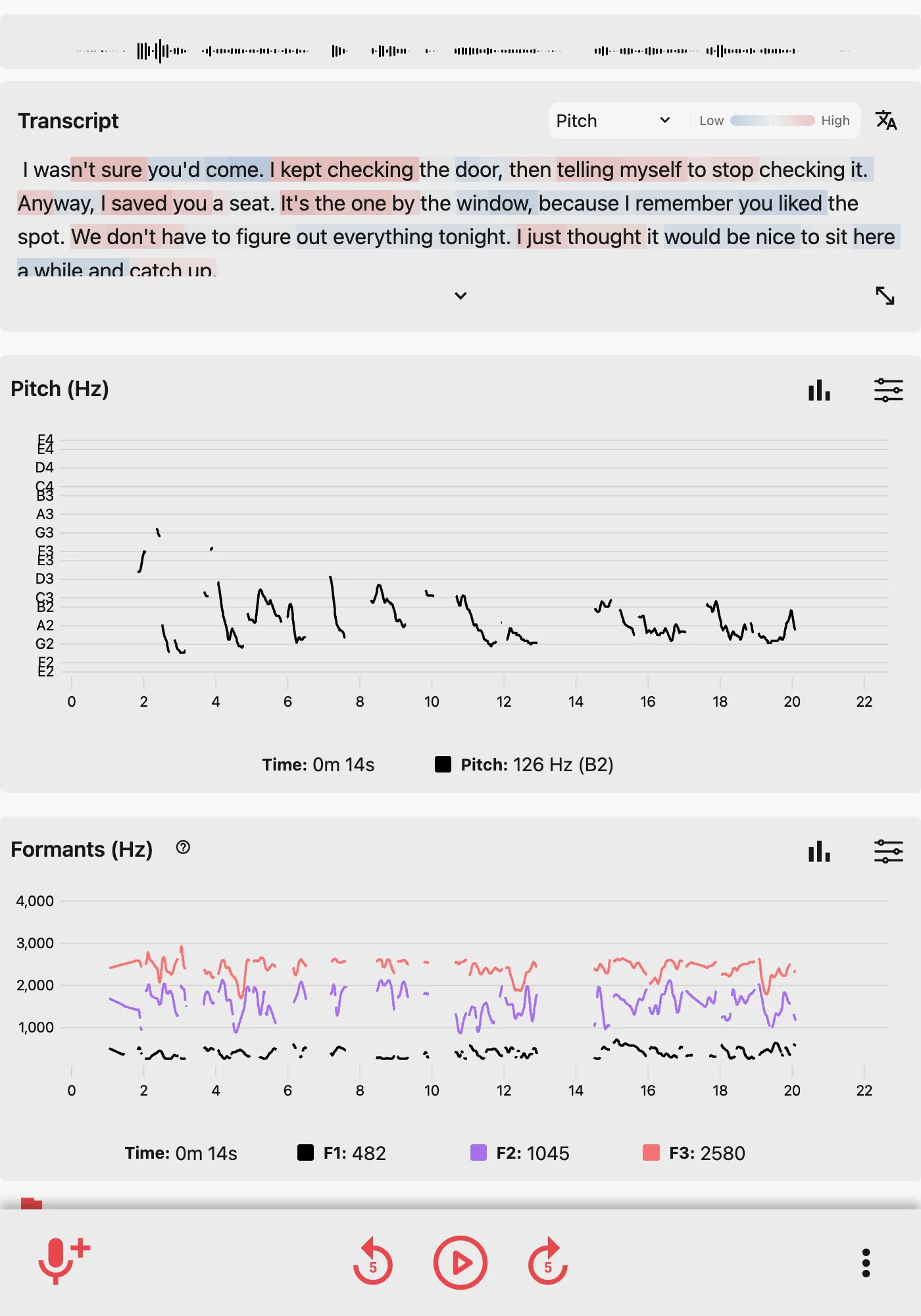
Find a moment in your script
Select a word in your transcript to jump to that point in your recording. Switch between pitch, volume, and formant overlays to explore changes in your voice as you deliver the script.
Learn more about transcript playback and overlays.
Save and share your recordings
Save your recordings, add notes, and listen back later. Share them privately with a coach or trusted listener for feedback.
Questions about recording your script
Can I record my own scripts?
Yes. Read your script into the app, save the recording, and listen back. Add notes to remember what you tried or want to work on next.
How do transcripts work?
Sign in and enable speech-to-text before recording. After you stop, the app creates a transcript. Select a word to start playback there, or choose a pitch, volume, or formant overlay. Transcription has a monthly allowance that varies by plan.
Does Strivocal evaluate my performance?
No. It measures properties of the audio; it does not judge your acting or score emotion, accents, or pronunciation. Use your recordings for your own review or feedback from a coach.
Can I try it free and share a recording?
Yes. Start with recording, pitch and volume feedback, and playback. Saved-audio storage, formant analysis, and transcription have plan limits. You can share a recording privately with a contact or group for feedback; both you and the recipients need accounts.
Record and review your script
Record a short script, listen back, and add notes. Share your recording when you want feedback from a coach or trusted listener.
Start free. Compare Free and Plus.