
Recording and feedback tools for voice coaches
Review student practice between lessons
Students share practice recordings with you. Listen back with pitch, volume, and formant charts, and leave written feedback they can return to.
Free to start on iOS, Android, and the web. See plans and limits.


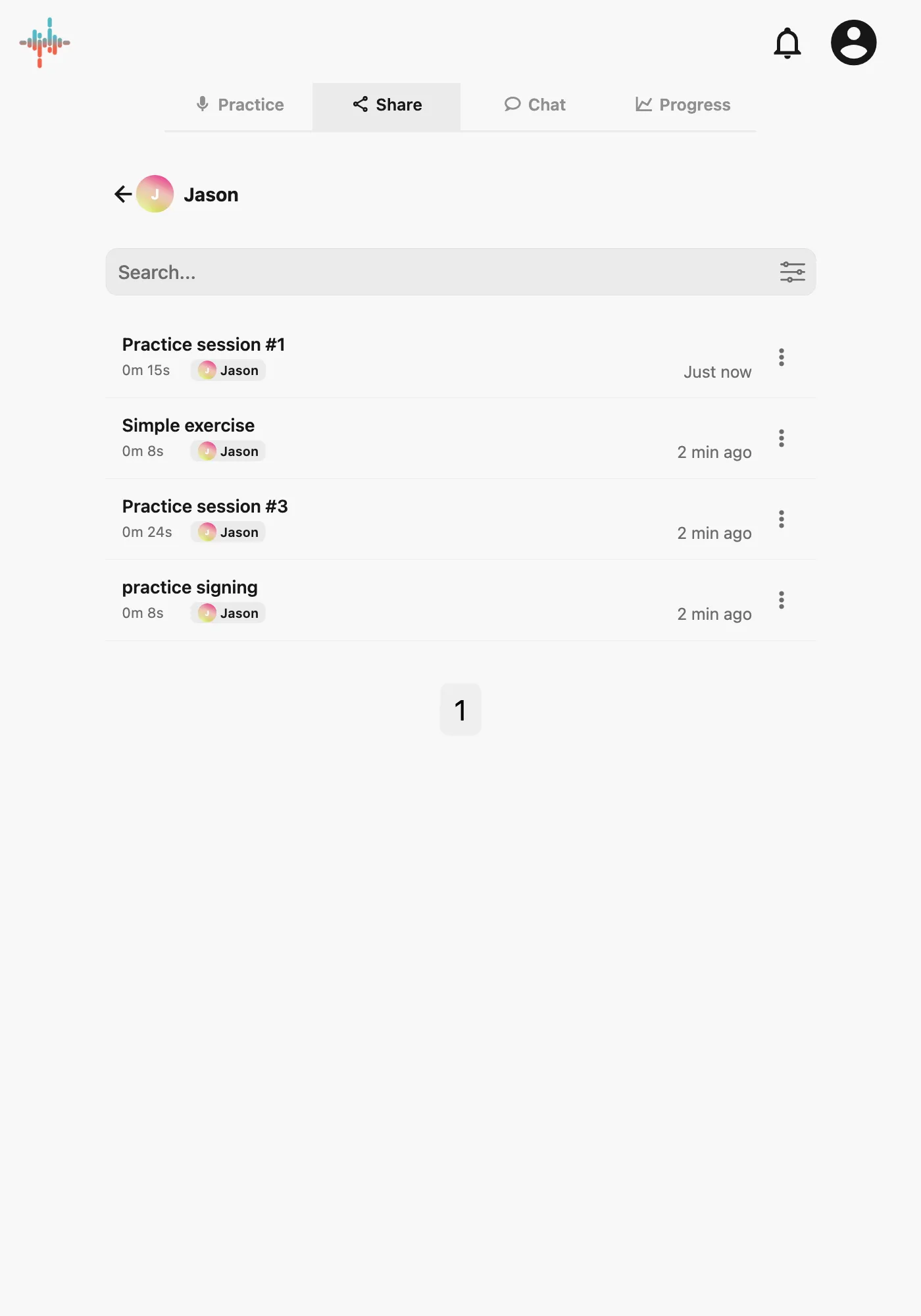
Hear what students practiced
Listen to a student's song excerpt, script, or vocal exercise alongside pitch, volume, and formant charts. Students can share recordings privately with you or a practice group.
Leave feedback students can revisit
Add written feedback to a shared recording. Students can listen again with your comments in mind when they practice between lessons.
Your coaching gives the acoustic feedback context. Strivocal supports your teaching between lessons.
Questions about using Strivocal with students
Do my students and I need accounts?
Yes. Both you and your students need accounts for private sharing. Connect as contacts; recordings they share with you appear in your Share tab.
How does private sharing differ from a public link?
Private sharing gives selected contacts or groups access to a recording. A public link can be opened by anyone who has the link.
Does Strivocal manage lessons or assign exercises?
No. Agree on exercises with students outside the app, then use Strivocal for recordings, sharing, and feedback. It does not include lesson scheduling or a client-management dashboard.
Can students use it for free?
Yes. Recording, pitch and volume feedback, playback, and sharing are available to start. Saved-audio storage, formant analysis, and transcription have plan limits. See the pricing page for current details.
Learn how acoustic analysis and coaching work together, and review feedback and privacy settings.
Explore the tools for singing practice and voice acting.
Give feedback between lessons
Connect with a student, listen to a shared practice recording, and leave feedback they can return to.
Start free. Compare Free and Plus.